LTS Inventory product
One inventory platform from receiving to reconciliation.
Manage products, stock, locations, lots, serials, purchasing, receiving, transfers, orders, fulfillment, returns, counts, reports, alerts, users, and integrations without separating the operational history that connects them.
- 7-day free trial
- No card required
- One connected record
01 · Catalog and identifiers
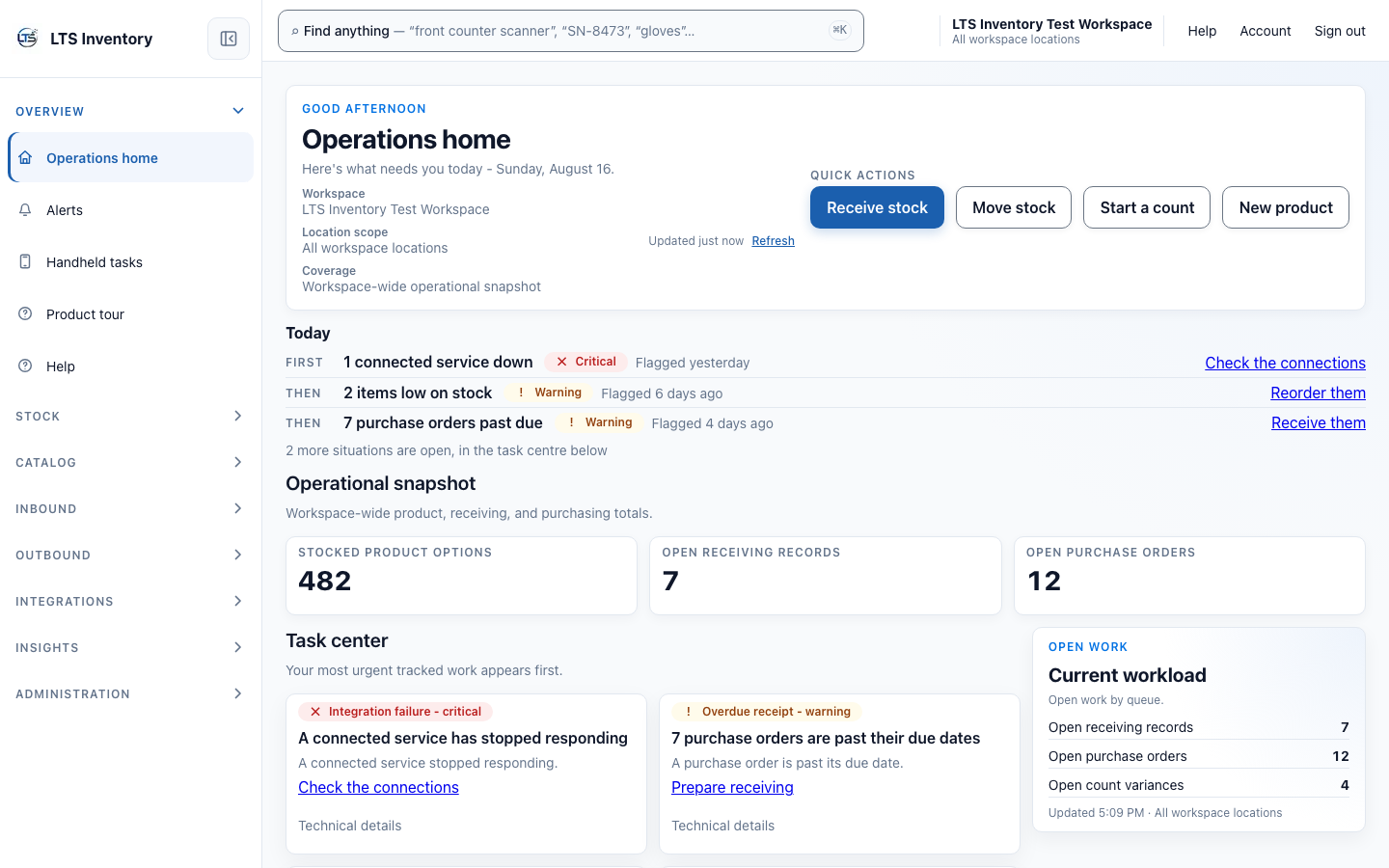
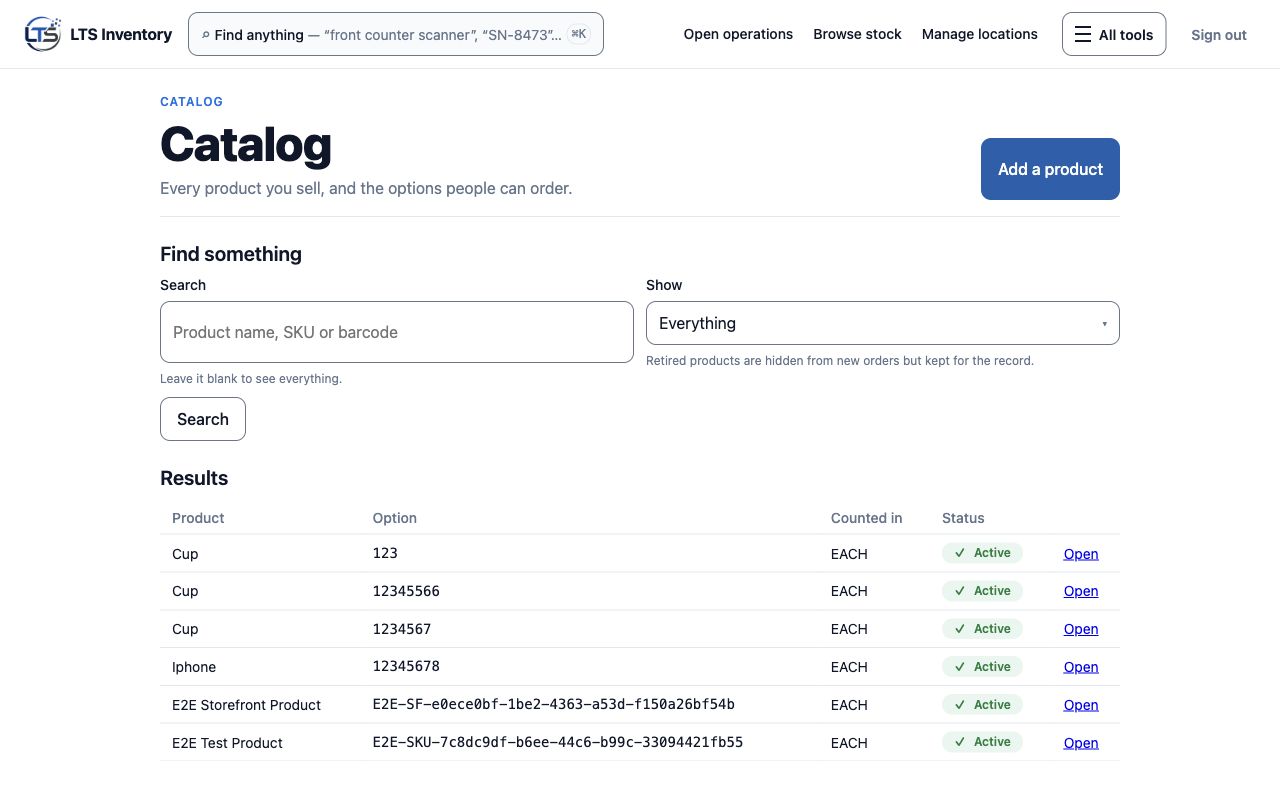
Make every item easy to identify.
Outcome: teams can find the right product record before a receiving, picking, or count decision starts.
- A
Product records
Titles, SKUs, barcodes, and product details stay together.
- B
Searchable identifiers
Use the identifier your team has in hand.
02 · Stock states and locations
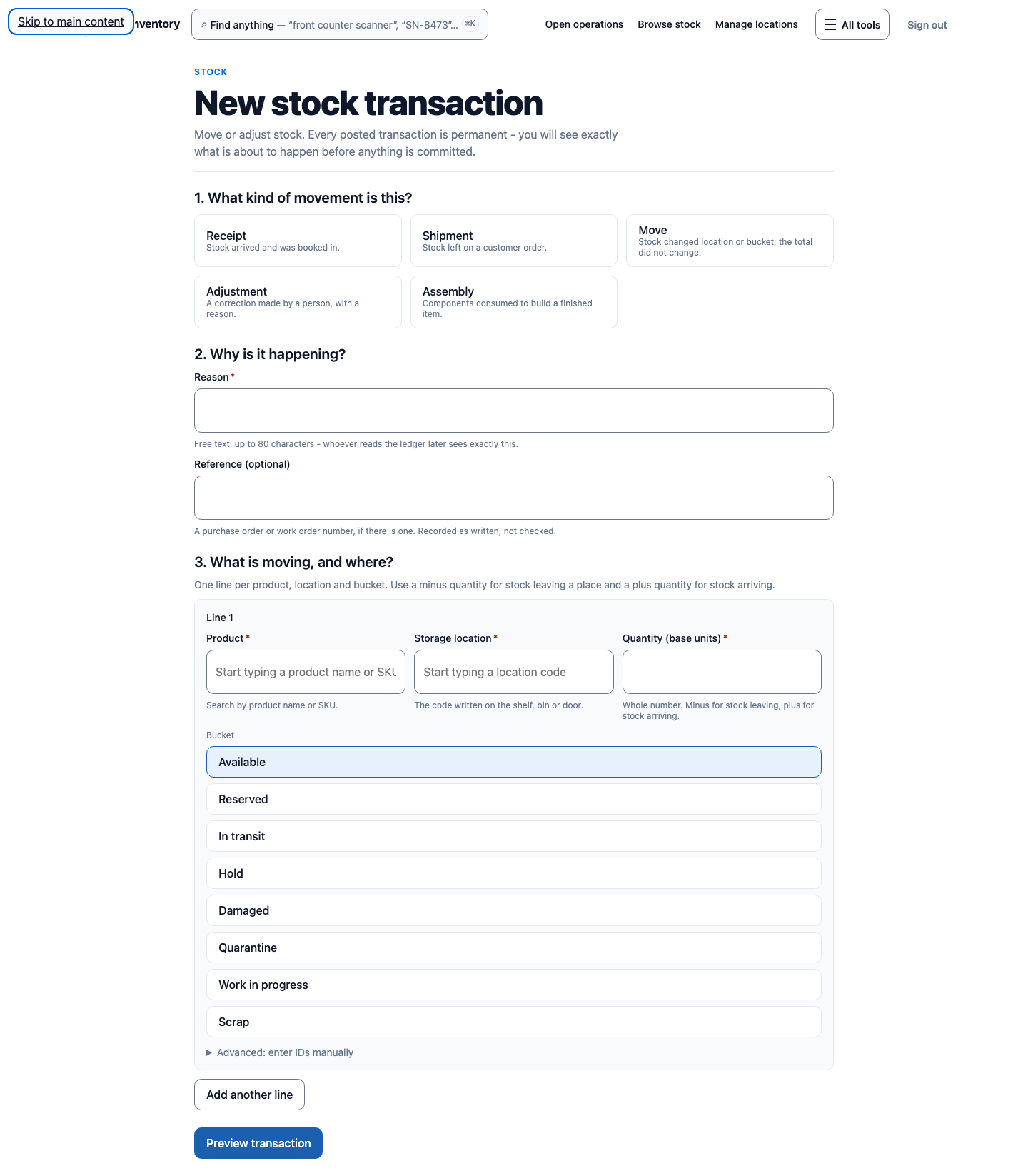
See what is available, where it is, and why.
Outcome: availability conversations use the right stock state and location instead of an unqualified total.
- A
Location-aware stock
Review stock in the context of the place it is held.
- B
Clear stock states
Separate usable stock from stock that needs attention.
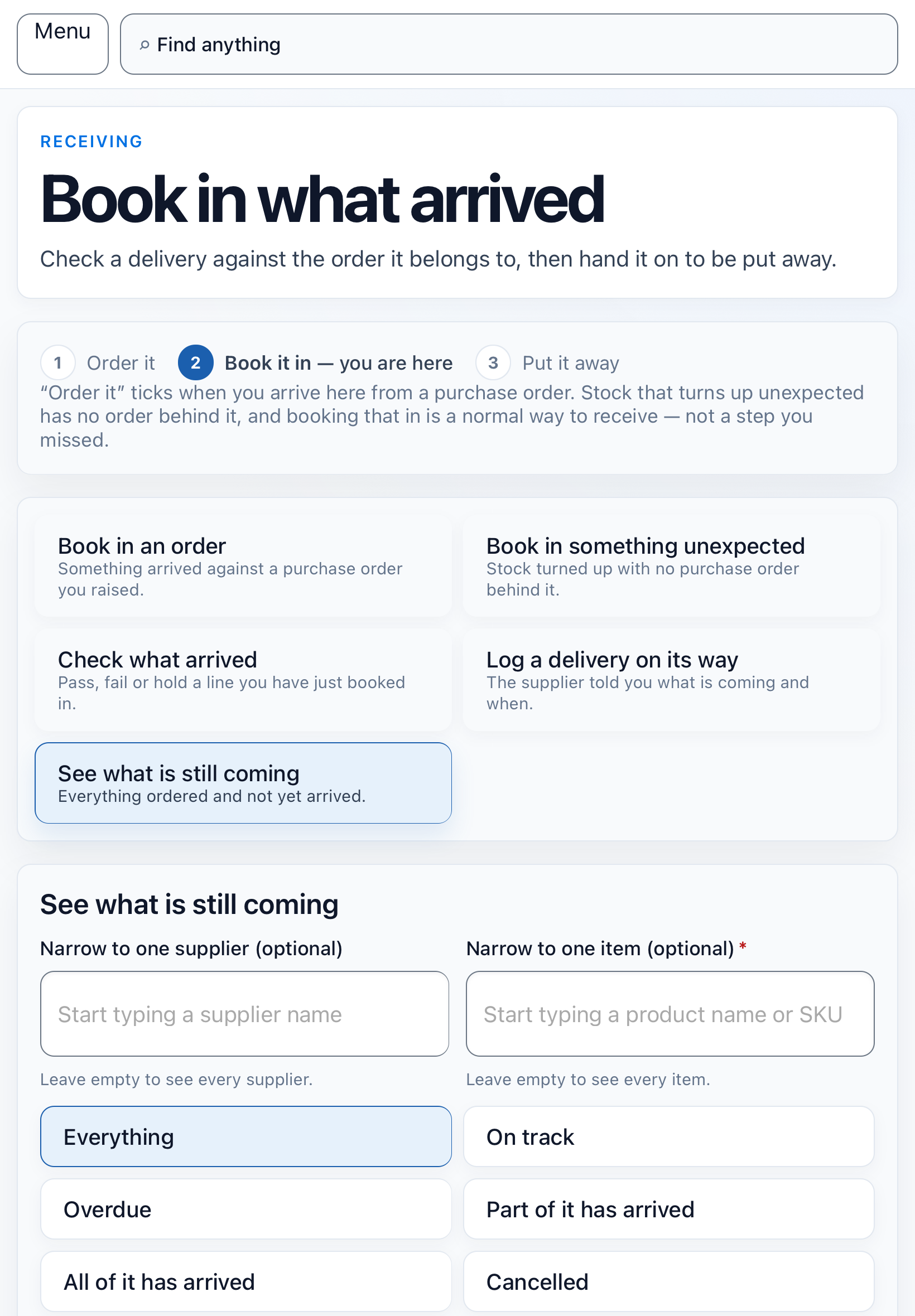
03 · Purchasing and receiving
Bring inbound stock into a record you can reconcile.
Outcome: purchasing and receiving leave a traceable operational record rather than an isolated adjustment.
- A
Purchasing context
Connect expected inventory to receiving work.
- B
Recorded receipt
Capture what moved into a location and when.
04 · Transfers and internal movement
Follow inventory when it changes hands or locations.
Outcome: internal movement stays visible to the teams responsible for the sending and receiving locations.
- A
Location-to-location movement
Record the operational path of a transfer.
- B
Connected history
Keep movement alongside the product and stock record.
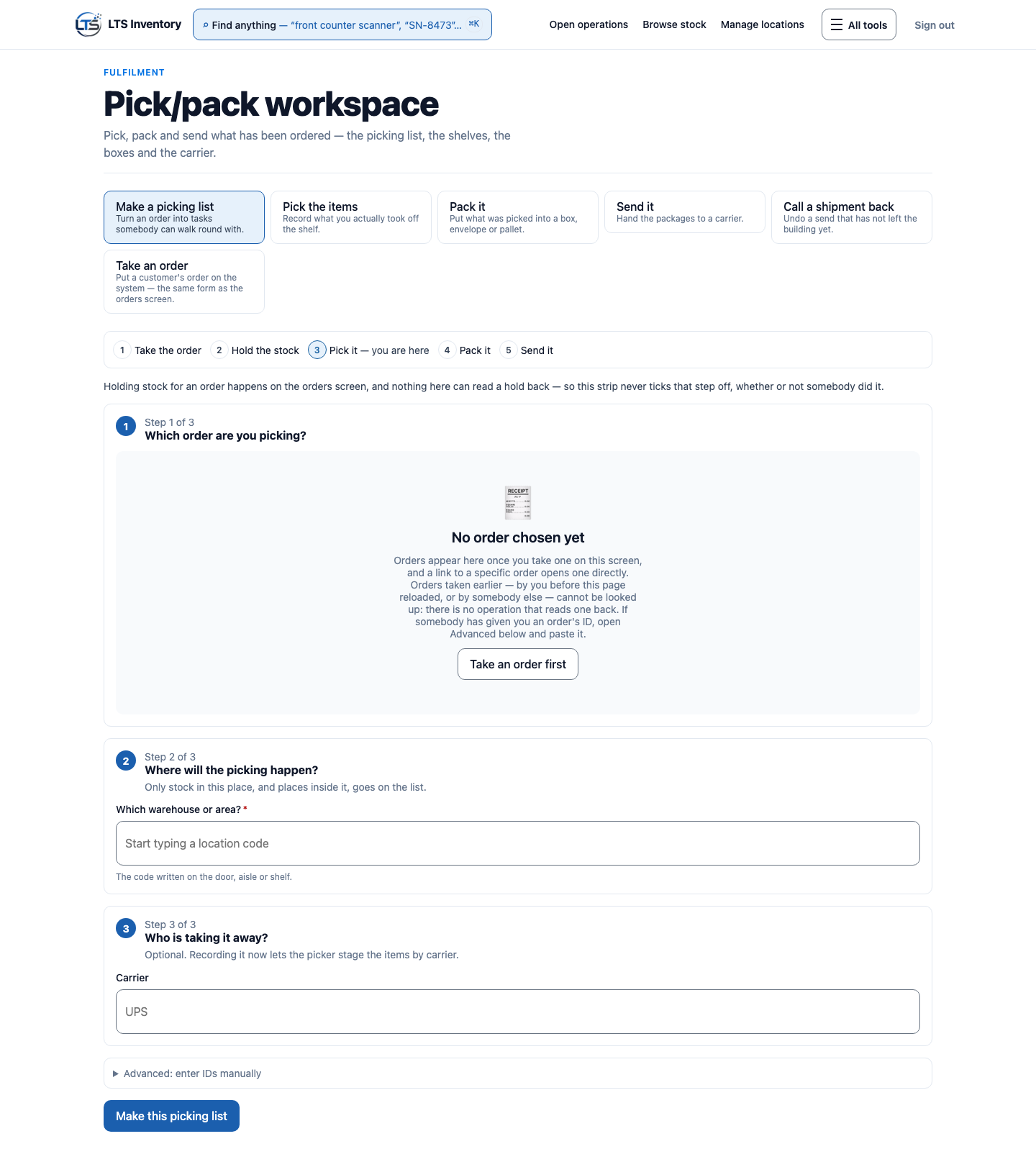
05 · Orders and fulfillment
Move an order from allocation to shipment with context.
Outcome: fulfillment teams can work from a connected order record as inventory is allocated, picked, packed, and shipped.
- A
Order allocation
Associate inventory decisions with the order being fulfilled.
- B
Pick, pack, and ship
Support the working stages that move an order out.
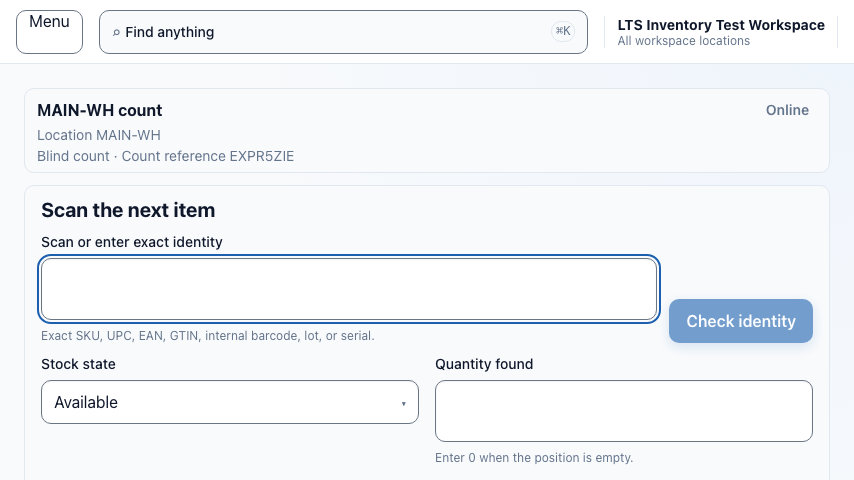
06 · Returns, counts, and corrections
Resolve a variance without losing the reason behind it.
Outcome: returns, cycle counts, and corrections can be reviewed as intentional work instead of unexplained balance changes.
- A
Returns and counts
Record events that change the operational inventory picture.
- B
Reviewable corrections
Keep the adjustment visible in its record history.
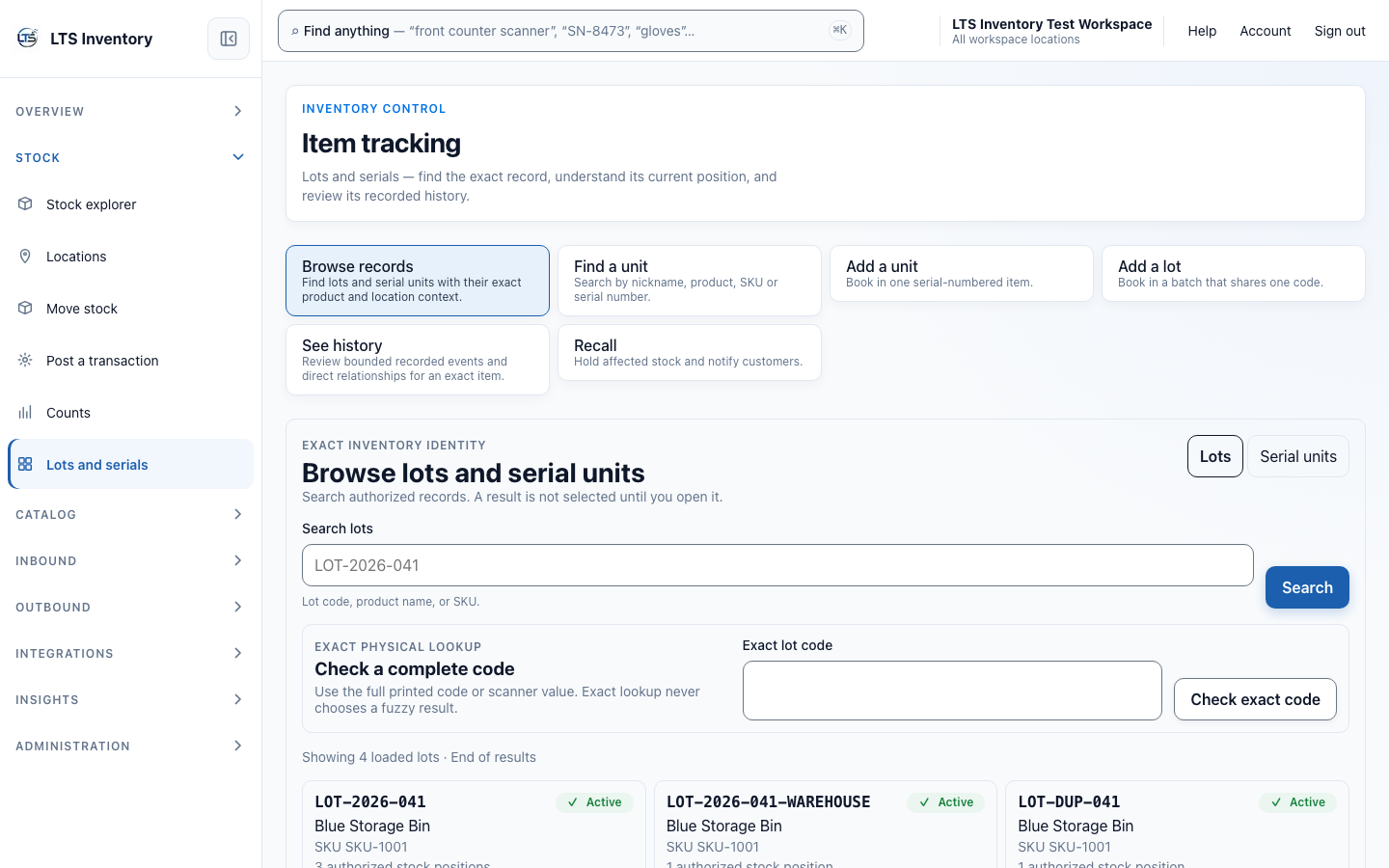
07 · Traceability and recall hold
Keep lot and serial identity tied to recorded history.
Outcome: teams can browse the exact record, review authorized stock positions, and follow bounded physical history without inventing unsupported genealogy.
- A
Lots and serials
Keep exact identifiers connected to readable product and location context.
- B
Recall start and hold
Control can open a recall case and place affected authorized stock on hold.
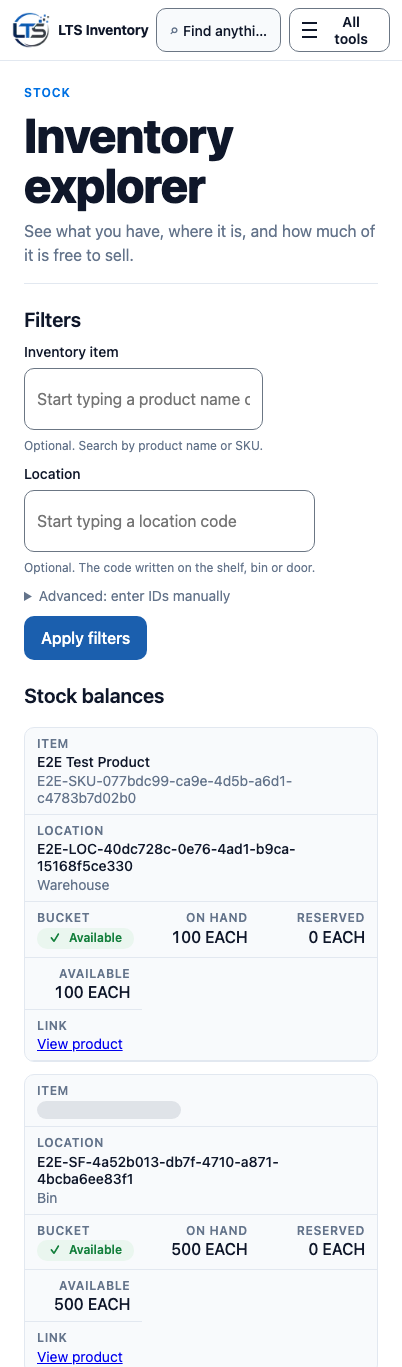
08 · Warehouse devices and offline work
Keep warehouse work moving at the point of action.
Outcome: warehouse teams have an interface designed for the work they need to complete on a device.
- A
Device task workspace
Bring relevant work into a compact operational view.
- B
Interrupted-work visibility
Keep a connection interruption visible instead of presenting an unconfirmed action as final.
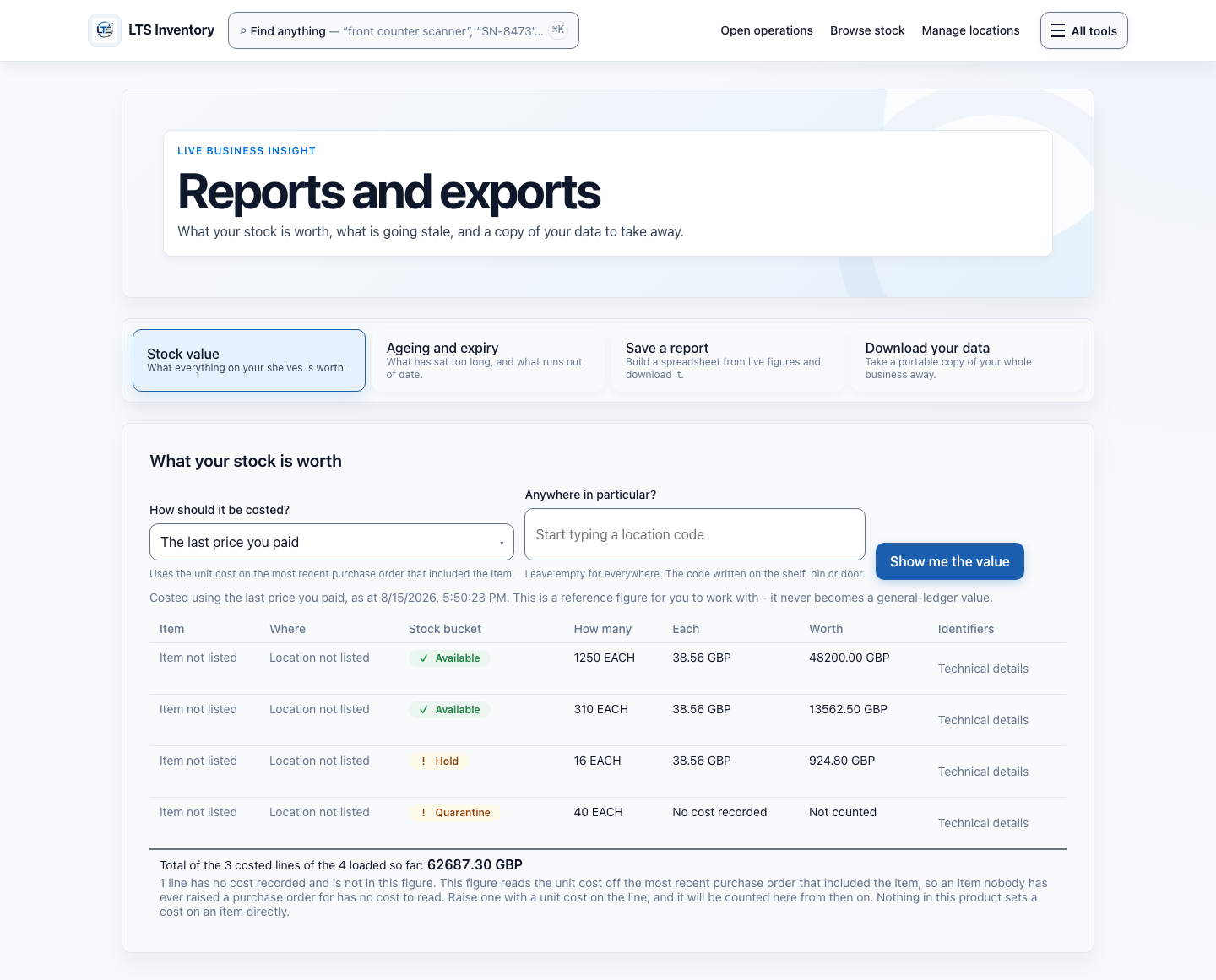
09 · Reporting and integrations
Turn operational records into informed follow-up.
Outcome: reports, alerts, imports, exports, API connections, and webhooks can work from the same operational record foundation.
- A
Reports, alerts, imports, and exports
Move information into and out of the operation with context.
- B
API and webhooks
Connect adjacent systems to operational events.

10 · Operational controls
Give people the access they need, with a record of what happened.
Outcome: roles, permissions, audit history, support, and subscription controls are part of operating the platform responsibly.
- A
Roles, permissions, and audit
Set controlled access and preserve activity history.
- B
Support and subscription controls
Keep account operations clear for the people responsible.
What this page does not claim
- Plan-aware offline replay is deferred and is not available.
- Registered hardware-scanner execution is not complete.
- Recall support is opening a case and placing affected authorized stock on hold. It is not a complete recall lifecycle, notification, genealogy, or hold release.
- Integrations use the documented platform contract; this page does not promise a private or undocumented export path.
Ready to connect the record?
Start with the inventory work in front of you.
Choose Essentials, Operations, or Control and try LTS Inventory for 7 days with no card required.
7-day free trial · No card required